The Resume Keywords That Get You Shortlisted
Before a human ever reads your resume, software decides whether you're a match — and it decides on words. Here's how to use the right ones without turning your resume into spam.

You're qualified. You know you're qualified. And yet the same resume that should be opening doors keeps vanishing into "we'll be in touch" silence. The maddening part is that, more often than not, a person never even saw it. A piece of software read your resume first, looked for the words it was told to look for, didn't find enough of them, and quietly sorted you into the "no" pile — for a role you could absolutely do.
This is the keyword game, and almost nobody explains it honestly. So let's do that here: which keywords actually matter, where they belong, how to avoid the stuffing that backfires, and how to stop guessing whether your resume matches a job before you hit apply.
Why a great resume still gets filtered out
Most mid-size and large employers run applications through an applicant-tracking system (ATS) before a recruiter opens a single one. The ATS isn't judging your career — it's matching text. It scans your resume for the skills, tools, titles and qualifications the job description called for, and ranks you on how closely the language lines up.
That's why two candidates with identical experience can get opposite results. One wrote "managed cloud infrastructure," the job asked for "AWS" — and to the software, those aren't the same thing. The skill was there. The word wasn't. With ~250 applicants on the average corporate opening (Glassdoor) and a recruiter spending roughly 6–7 seconds on the first pass over a resume (Ladders' eye-tracking study), there's no slack for the system to read between the lines. It matches what's on the page, literally.
What actually counts as a "keyword"
"Keyword" sounds technical, but it's just the language a specific employer uses to describe the work. For any given role they fall into a few buckets:
- Hard skills & tools — the named software, languages, frameworks and methods: Python, Salesforce, GAAP, Figma, Kubernetes, Six Sigma.
- The exact role title — "Product Marketing Manager" reads differently to an ATS than "Marketing Lead," even when the job is the same.
- Certifications & qualifications — PMP, CPA, RN, SHRM-CP — the credentials listed under requirements.
- Domain & responsibility terms — phrases like stakeholder management, demand forecasting, incident response that signal you've actually done the work.
The good news: you don't have to guess any of these. They're written down for you, in the job description.
How to find the right keywords (in 5 minutes)
Forget keyword databases and generic "top skills for 2026" lists. The keywords that matter for this application are sitting in the posting you're applying to. Here's the fast version.
1. Mine the job description first
Read the requirements and responsibilities and pull out every concrete skill, tool, certification and repeated phrase. If a term shows up more than once — or sits in the very first bullet — treat it as a priority. That's the employer telling you what they'll screen on.
2. Match it honestly against your resume
Now line your resume up next to that list. Which terms are already there in your words? Which are missing — but genuinely true of your experience, just phrased differently? Those gaps are your shortlist. (This side-by-side is exactly the tedious part CVApplyr automates — more on that below.)
3. Mirror their language, don't invent it
If your experience matches but your wording doesn't, change your wording. "Built reporting dashboards" becomes "built reporting dashboards in Power BI" when the role asks for Power BI and you used it. You're not padding — you're translating real work into the employer's vocabulary. Never add a keyword you can't back up in an interview.
Where keywords belong on the page
Finding the right terms is half the job. Placement is the other half — because both the ATS and the recruiter skim in a predictable order.
Put the heavy hitters where eyes land first
Your title line and a short summary sit at the very top, where the recruiter's 6-second scan begins and where the ATS weights matches most. If the posting is for a "Data Analyst," those two words should appear near the top of your resume in plain sight.
Weave the rest into real accomplishments
A skills section is fine for a quick list, but a keyword earns its keep inside a bullet that proves it. "Cut monthly close from 9 days to 4 using NetSuite" lands harder than "NetSuite" floating alone in a comma list — it carries the keyword and the evidence. Aim to back each priority term with a result somewhere on the page.
A keyword tied to an outcome is a credential. The same keyword sitting by itself in a list is just a claim. Recruiters — and increasingly the software — can tell the difference.
The line between matching and stuffing
Once people learn the game, the temptation is to overplay it: paste the whole skills list, hide white keyword text behind a white background, repeat the job title ten times. Don't. Modern ATS and the human reading after them weigh context, not raw counts — a wall of unsupported terms reads as spam to the software and as padding to the person.
The honest version works better anyway. Use each priority keyword once or twice, in a real sentence, tied to something you actually did. You get full credit for the match without tripping any "this looks fake" instinct — and you'll never get caught flat in an interview defending a skill you don't have.
How CVApplyr does the matching for you
Doing all of this by hand — reading each posting, extracting its terms, comparing them against your resume, spotting the gaps — is genuinely useful and genuinely tedious. It's also exactly the kind of pattern-matching software is good at. So CVApplyr does it for you.
When you look at a role, CVApplyr reads the job description and your resume together, pulls out the role's key terms, and scores how well you match — then shows you which terms you've already covered and which you're missing. You're not guessing whether your resume "looks right" anymore; you can see your fit for a role before you spend a minute applying to it.
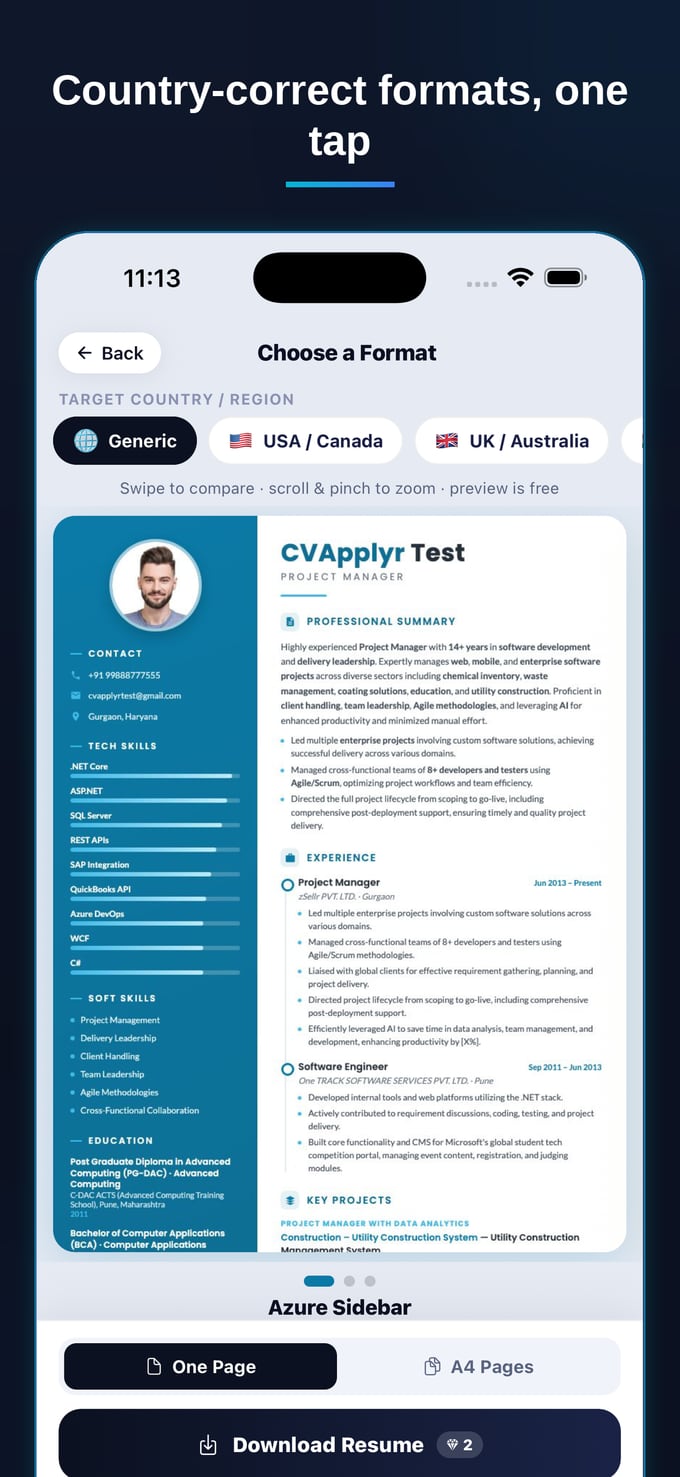
Because it builds country-correct resume formats from your story too, the keywords don't land in some hidden text layer — they sit in a clean, skimmable structure a recruiter actually wants to read. Match the language, keep the substance, skip the busywork.
See your match score before you apply
Let CVApplyr read the job, match it to your resume, and show you exactly which keywords to add — free to start.
Download CVApplyrFrequently asked questions
How do I find the right keywords for a resume?
Read them straight off the job description. The skills, tools, certifications and exact role title the employer repeats are the keywords they'll screen for. List the terms that appear in the requirements section, then make sure the true ones already live on your resume. CVApplyr does this comparison for you and shows which terms you're missing.
Where should keywords go in a resume?
Spread them through the places a recruiter and an ATS both look: your title or summary line, a short skills section, and — most importantly — inside your bullet points as part of real accomplishments. A keyword tied to a result ("cut reporting time 40% with SQL") counts far more than the same word sitting alone in a list.
Can keyword stuffing hurt me?
Yes. Hidden white text, walls of comma-separated terms, or words you can't back up read as spam to an ATS and as dishonest to the human who follows. Modern screening weighs context, not raw counts. Use each key term once or twice in a real sentence and you get the credit without the penalty.
How does CVApplyr match my resume to keywords?
CVApplyr reads the job description and your resume side by side, pulls out the role's key terms, and scores how well you match — then highlights the gaps so you can add the ones that are genuinely true of you before you apply. You see your fit for a role before you spend time on it.